Signing In and Access
The Host Console authenticates against the host’s local accounts using PAM (service hostconsole). A user can sign in only if their account belongs to the morpheus-console group on that host.
Before You Begin
A local host account that is a member of the
morpheus-consolegroup (see Authorizing Users).Network access to the host on TCP port
7443.A current web browser.
Signing In
Browse to
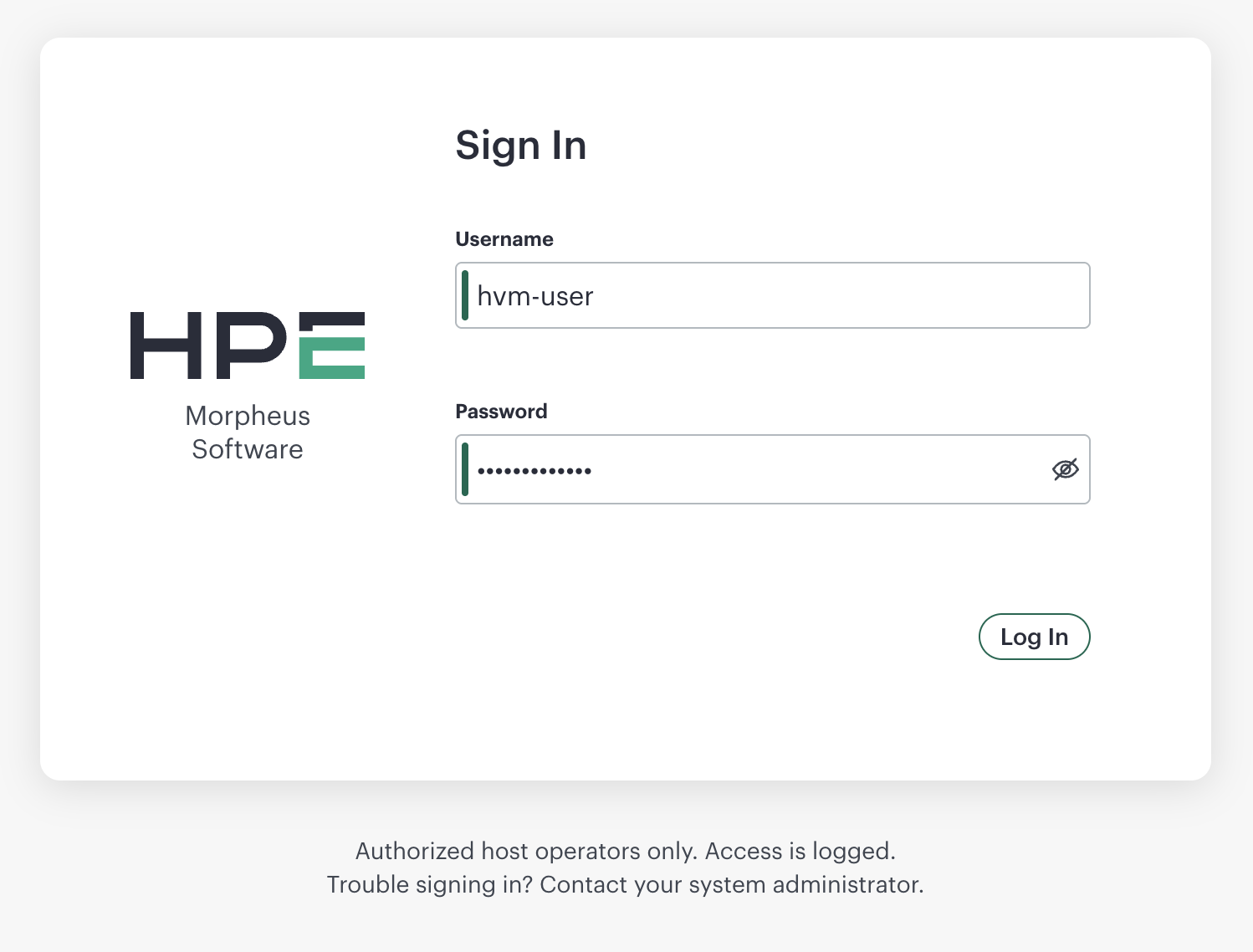
https://<host-address>:7443/. The host presents its own certificate — the same one used by the host agent. If that certificate is self-signed, your browser warns before you continue.Enter a local host username and password.
On success the console opens the virtual machine list.
Note
If the page does not load, confirm the host agent is running (sudo morpheus-node-ctl status) and that TCP port 7443 is reachable from your browser.
Note
Sign-in failures return a single generic message. Bad credentials, an account that is not in the morpheus-console group, a locked-out account, and a disabled account are all reported the same way — the specific reason is written to the host logs (see Audit and Sign-In Logs).
Authorizing Users
Membership in the morpheus-console group controls who can sign in. At install time the group is seeded once from the host’s sudo group; it is not kept in sync afterward.
Grant access:
sudo usermod -aG morpheus-console <username>
Revoke access:
sudo gpasswd -d <username> morpheus-console
Warning
If morpheus-console is a user’s primary group, gpasswd -d does not remove it. Reassign the primary group first with sudo usermod -g <other-group> <username>.
Important
Do not delete the morpheus-console group to remove access. A reconfigure or upgrade recreates the group and re-seeds it from the current sudo group, silently restoring access. Manage individual memberships instead.
Group changes take effect on the user’s next sign-in; existing sessions are unaffected.
Host Console Sessions
After sign-in the console issues a session cookie (MORPHEUS_CONSOLE; Secure, HttpOnly, SameSite=Strict). A session ends when the user signs out or the idle timeout is reached (default 15 minutes).
To change the idle timeout, set MORPHEUS_CONSOLE_SESSION_TIMEOUT (in seconds) in /etc/morpheus/morpheus-node.conf and reconfigure:
sudo morpheus-node-ctl reconfigure
Failed Sign-In and Lockout
Repeated failed sign-ins lock the account through pam_faillock. Thresholds come from the host policy in /etc/security/faillock.conf (the system default is 3 failures, unlocking after 600 seconds). The Host Console keeps its own failure tally in /run/morphd-faillock, separate from SSH and local console logins.
Clear a lockout for one user:
sudo faillock --dir /run/morphd-faillock --user <username> --reset
Audit and Sign-In Logs
The host agent writes authentication events in CEF format to /var/log/morpheus-node/morphd/current.log:
Event |
Meaning |
|---|---|
|
Successful sign-in |
|
Failed sign-in |
|
Sign-out |
View recent events:
sudo morpheus-node-ctl logs 100
The underlying PAM reason for a failure appears in the host’s auth.log: pam_unix for a bad password, pam_faillock for a lockout, and pam_succeed_if when the account is not in the morpheus-console group.